
Nano Banana Studio
Create professional nano banana studio instantly with our AI-powered platform
Complete Quick Form
Complete the user-friendly form. Only takes 2 minutes!
Generate Output
Click "generate output" and receive world-class marketing content in seconds
Copy & Download
Click "copy" or "download PDF" to use your content anywhere
Enter Advertisement Details
Advertisement Preview
Fill out the form and click "Generate" to create your custom marketing advertisement. The generated content will appear here.
✨ Popular Marketing Forms
Switch between different document types
Nano Banana Studio Guide
Create stunning AI-generated images for your marketing campaigns, social media, and creative projects. Powered by Google's most advanced image generation model.
Describe Image
Write a detailed description of the image you want to create
AI Generation
Google's Gemini AI will generate your image based on your description
High Quality
Get high-resolution, professional quality AI-generated images
Download & Use
Download your generated image in high quality PNG format
What Can You Generate?
- • Landscapes and nature scenes
- • Portraits and character designs
- • Abstract and artistic compositions
- • Product visualizations and mockups
- • Architectural and interior designs
- • Fantasy and sci-fi imagery
- • Business and professional graphics
- • Food and lifestyle photography
Tips for Best Results
- • Be specific about style and composition
- • Mention colors, lighting, and mood
- • Include details about perspective and framing
- • Specify artistic style (e.g., "photorealistic", "watercolor")
- • Describe the setting and environment
- • Mention any specific elements or objects
Prompt Guide Templates
1. Photorealistic Scenes:
A photorealistic [shot type] of [subject], [action or expression], set in [environment]. The scene is illuminated by [lighting description], creating a [mood] atmosphere. Captured with a [camera/lens details], emphasizing [key textures and details]. The image should be in a [aspect ratio] format.
Replace the bracketed placeholders with your specific details for optimal photorealistic results.
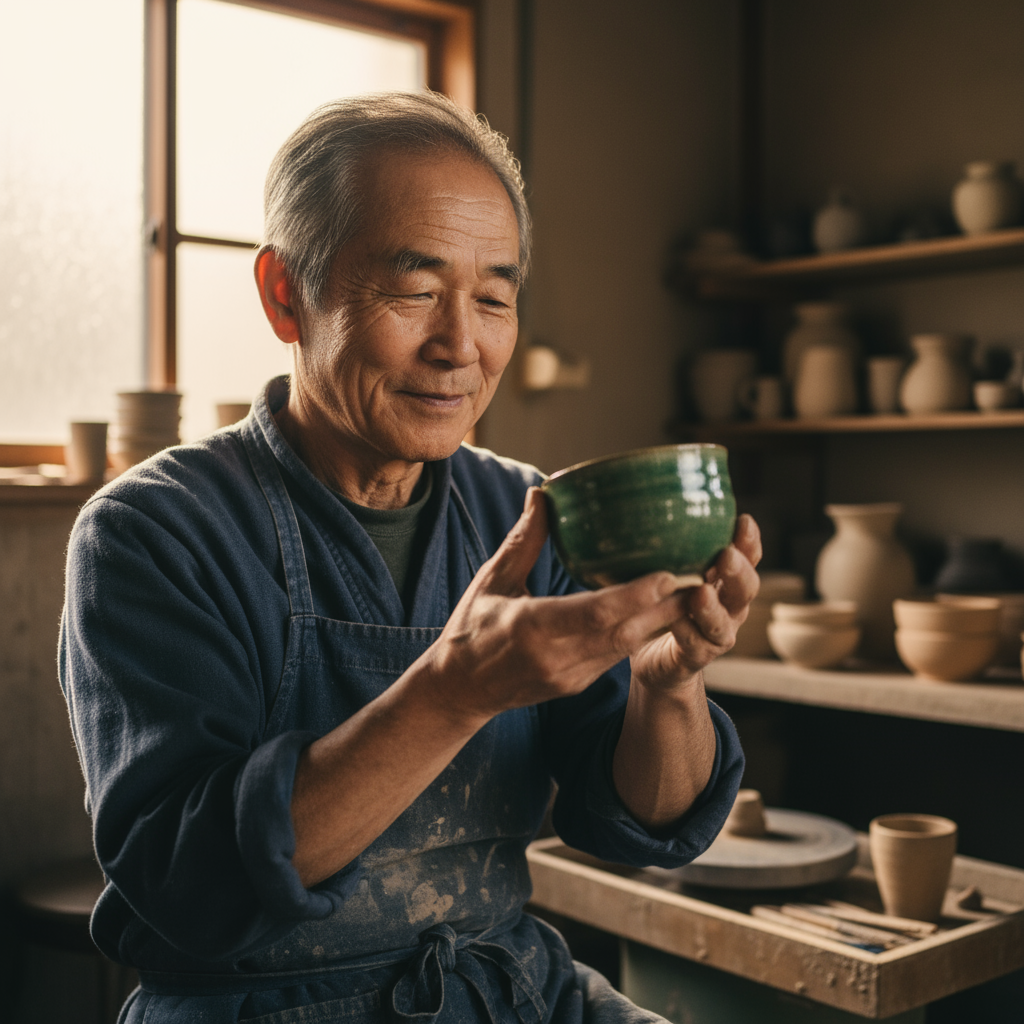
Example: Photorealistic portrait of an artisan in their pottery workshop
2. Product Photography:
A high-resolution, studio-lit product photograph of a [product description] on a [background surface/description]. The lighting is a [lighting setup, e.g., three-point softbox setup] to [lighting purpose]. The camera angle is a [angle type] to showcase [specific feature]. Ultra-realistic, with sharp focus on [key detail]. [Aspect ratio].
Perfect for creating professional product shots with studio-quality lighting and composition.
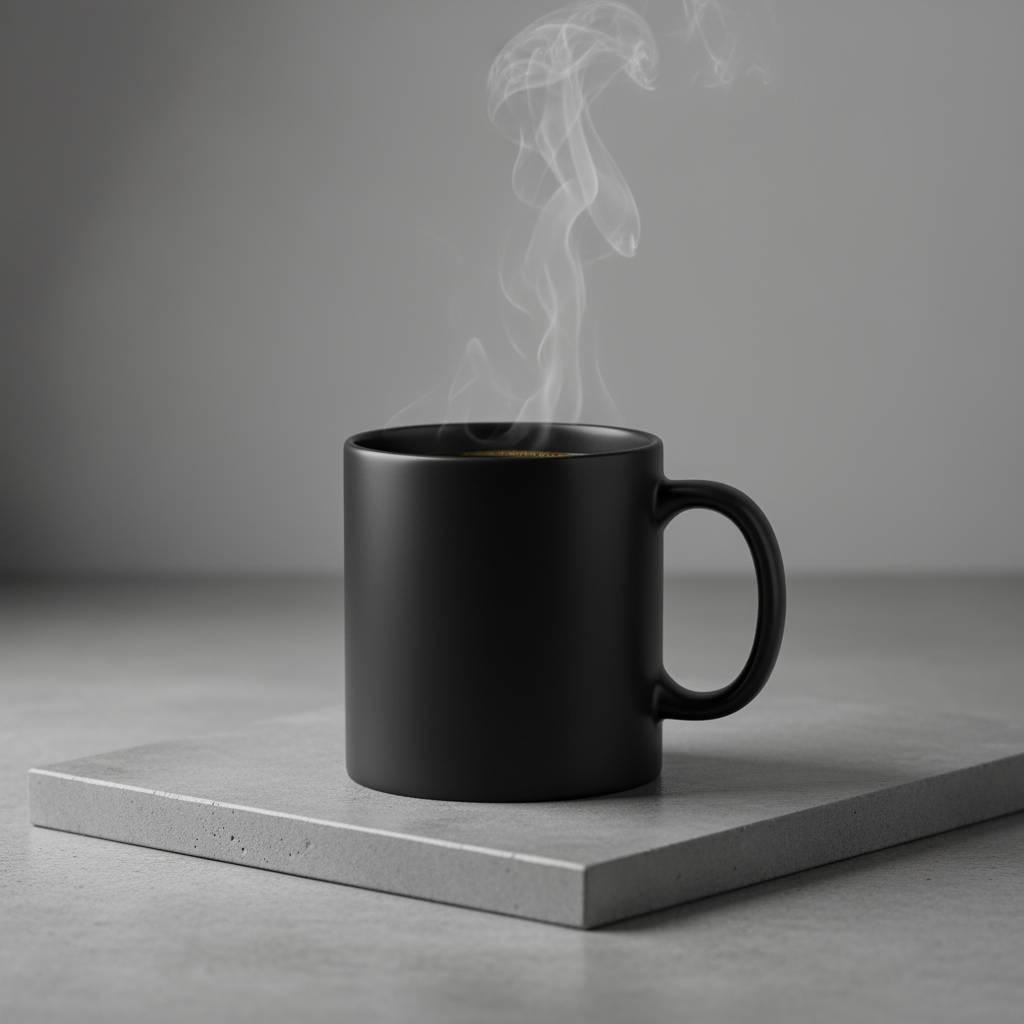
Example: Professional product photography of a coffee mug with atmospheric steam
3. Adding and Removing Elements:
Using the provided image of [subject], please [add/remove/modify] [element] to/from the scene. Ensure the change is [description of how the change should integrate].
Ideal for modifying existing images by adding, removing, or changing specific elements while maintaining natural integration.
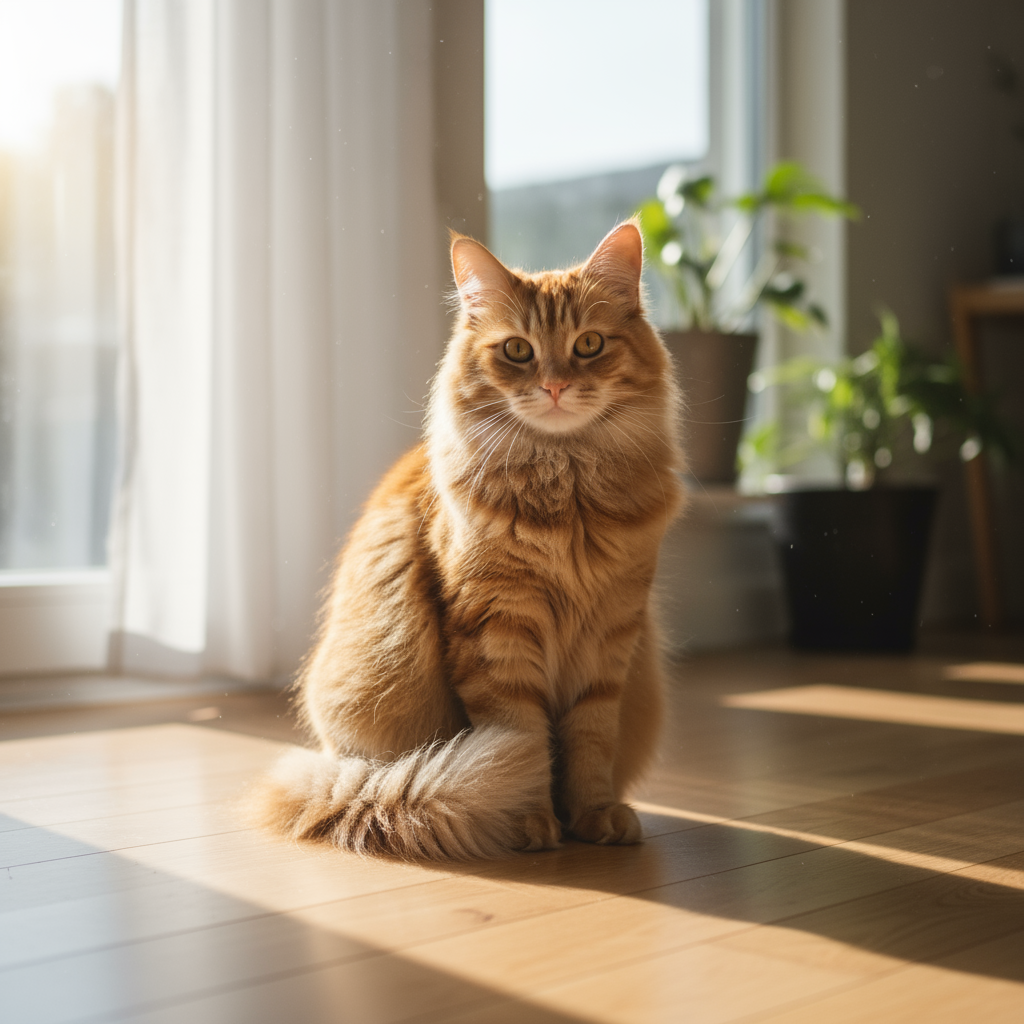
Before: Original image

After: Added wizard hat element
4. Advanced Composition: Combining Multiple Images:
Create a new image by combining the elements from the provided images. Take the [element from image 1] and place it with/on the [element from image 2]. The final image should be a [description of the final scene].
Perfect for creating complex compositions by seamlessly merging elements from multiple source images.
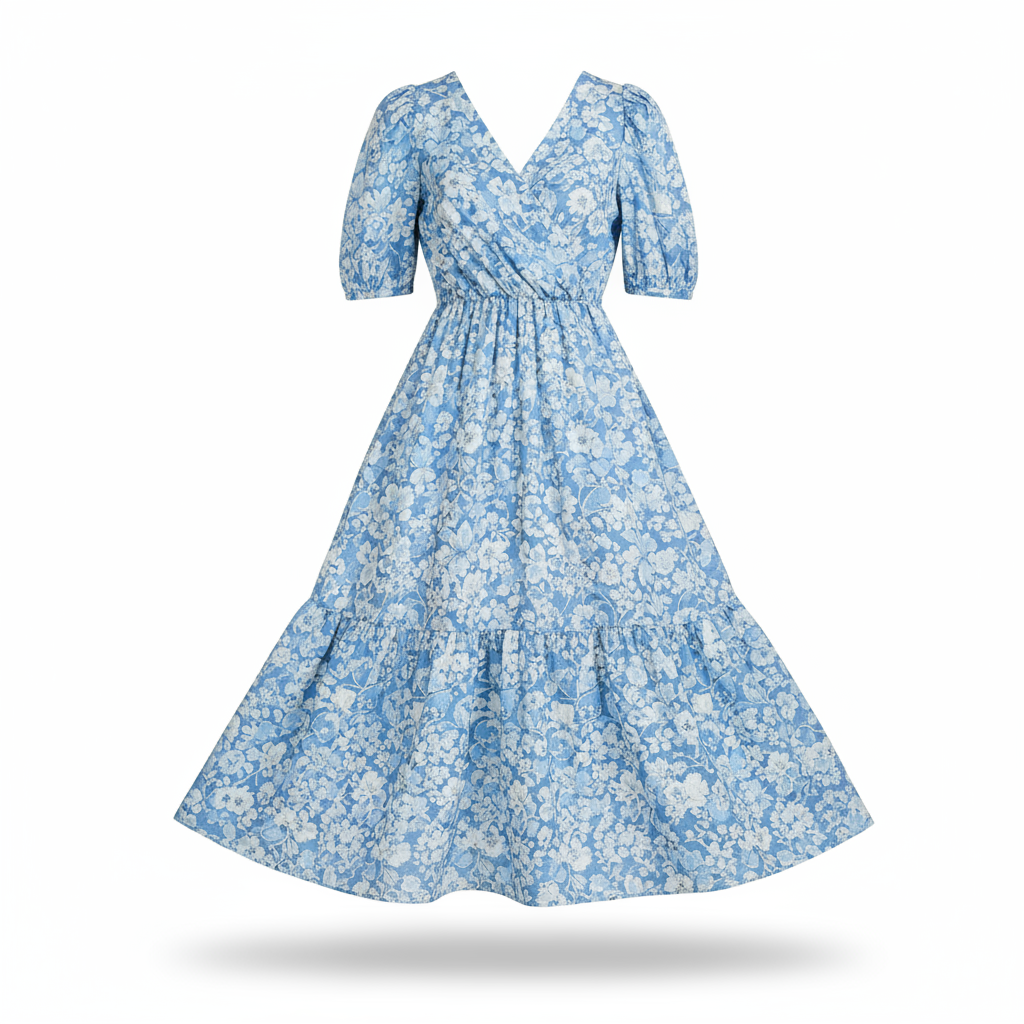
Image 1: Product dress
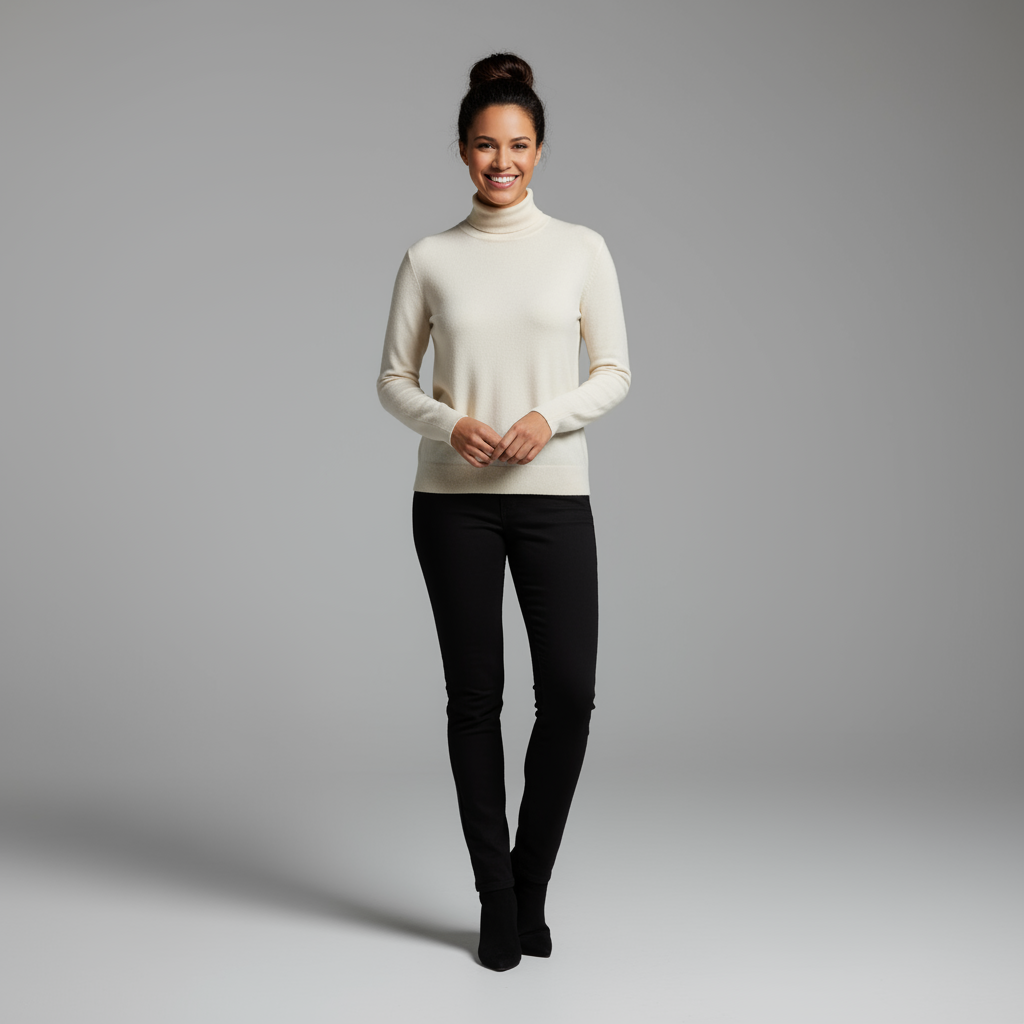
Image 2: Model pose
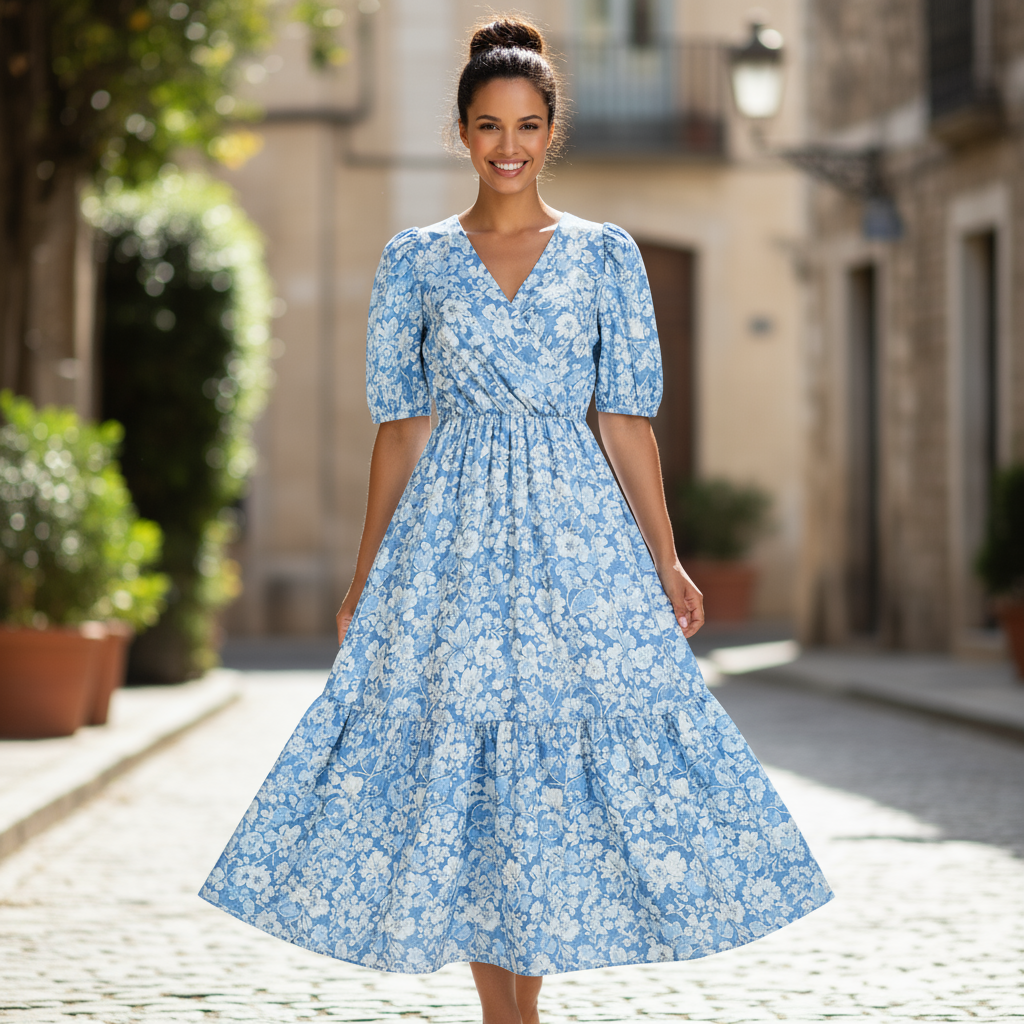
Result: Combined composition
Example Prompts
Artistic & Creative:
- "A majestic dragon flying over ancient mountains at sunset, fantasy art style"
- "Abstract geometric pattern with vibrant colors and flowing lines"
- "Surreal dreamscape with floating islands and crystalline structures"
Business & Professional:
- "Modern office workspace with natural lighting and plants, minimalist design"
- "Professional product mockup on clean white background"
- "Corporate team meeting in glass conference room, diverse professionals"
Powered by Google Gemini 2.5 Flash
This tool uses Google's latest Gemini 2.5 Flash Image Preview model, which provides state-of-the-art image generation capabilities with high quality, fast processing, and excellent understanding of complex prompts.